Founders & marketers
Get the final call before the launch.
Put the real page or campaign in one private room, invite one reviewer, and close with a record of exactly what ships.
Open a private blank room when your screenshots, references, or product states are already ready.
Add the first note, invite editors or viewers, and keep access controlled from the start.
 Option A
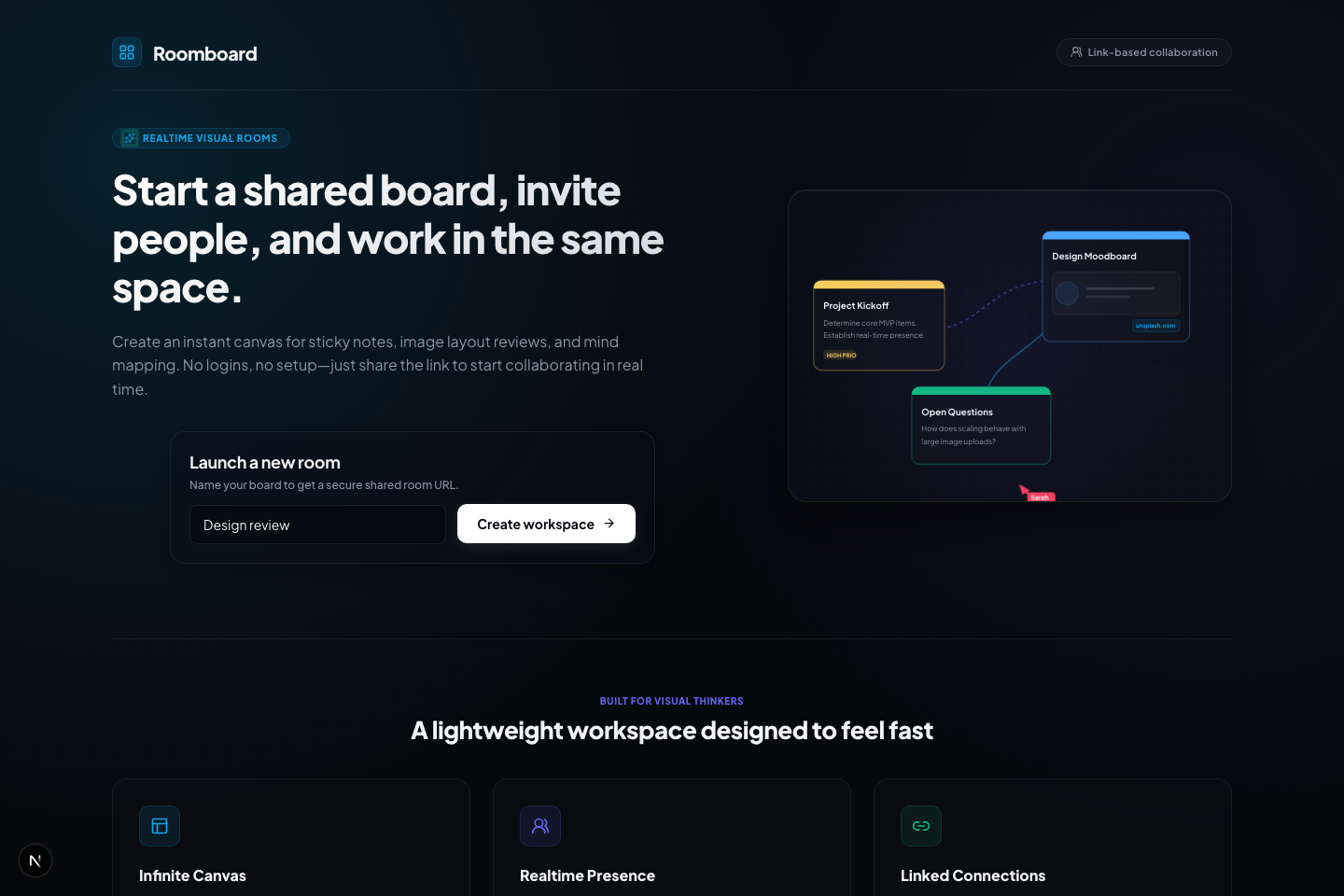
Type a name, hit enter. The room opens locked and strictly creator-controlled — no sign-up wall, no onboarding tour.
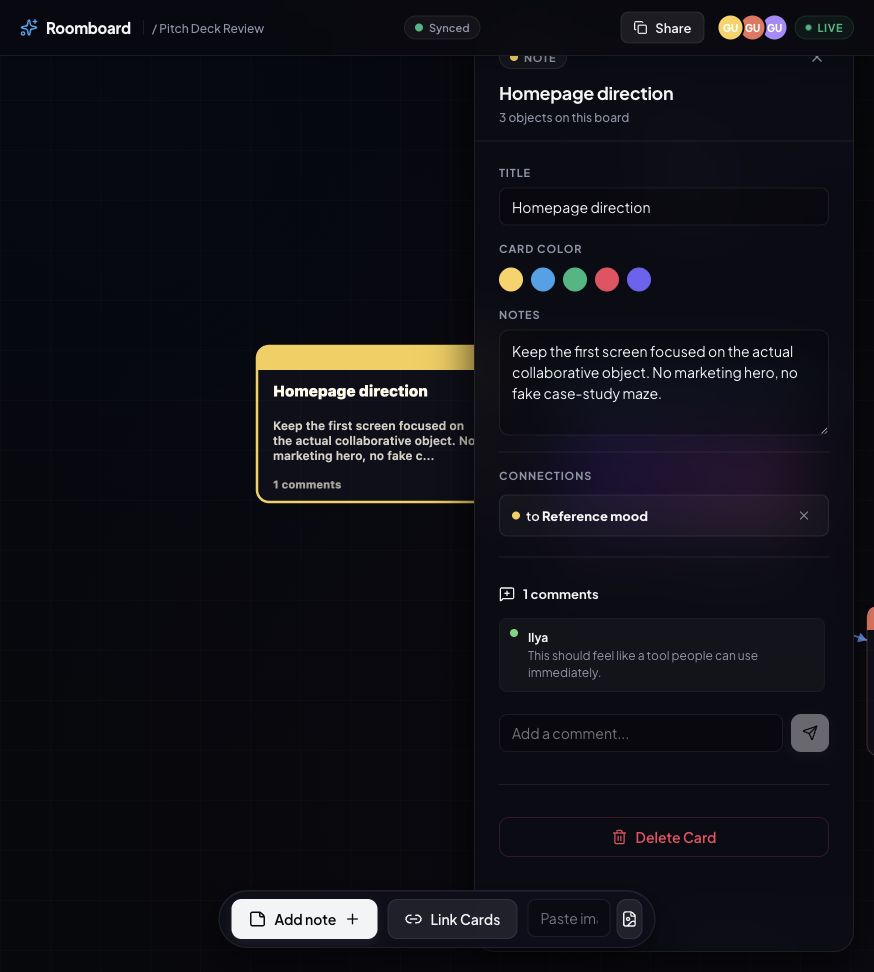
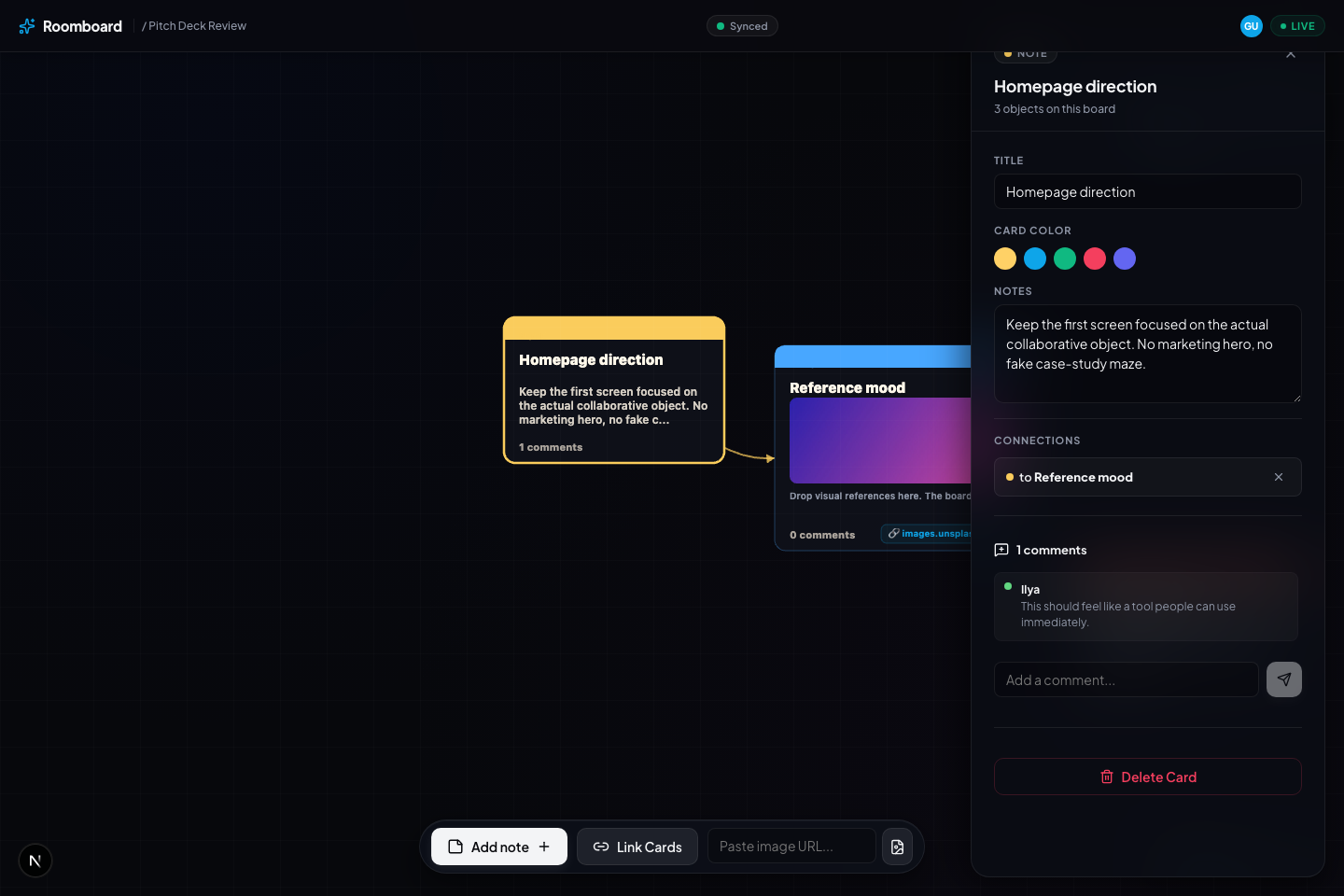
Paste image URLs, upload screenshots, drop sticky notes. Cards snap to a perfect grid and connect with lines.
Share an editor or viewer link. Watch cursors move live, agree on the call, and lock the room as the record.
Realtime cursors and selections make feedback feel like a room, not email. You watch the click happen.
Send an editor or viewer link. No sign-up wall, no leaked access — the creator token always stays with you.
When the call is made, lock it. The board becomes the artifact everyone agreed on — not a buried thread.
No parallel threads. Every note lives next to the material it’s about, so nothing gets lost in translation.
Put the real page or campaign in one private room, invite one reviewer, and close with a record of exactly what ships.
Put references, notes, and decision criteria in one private room so the conversation stays attached to the material.
Use a blank canvas for screenshots, product states, campaign ideas, or design critique that does not need a starter board.
Humans and bring-your-own agents converge on the same cards, transcript, and decision record.
Claude Code, Codex, or any MCP client joins with a single command and a room-scoped token. Keys and tools stay on your machine — the agent only sees the room.
Agents comment, back cards, and report into the shared transcript. The decision record stays human-signed — the room, not the model, owns the call.
Per-agent turn budgets, a read-only security arbiter with flags, and owner-controlled mute keep agent chatter contained.
No accounts, no public directory. Access lives in links you control.
Rooms you create are remembered in this browser with a creator token. Rooms you join from an invite link are remembered too, and you can copy an owner link for your own backup.